

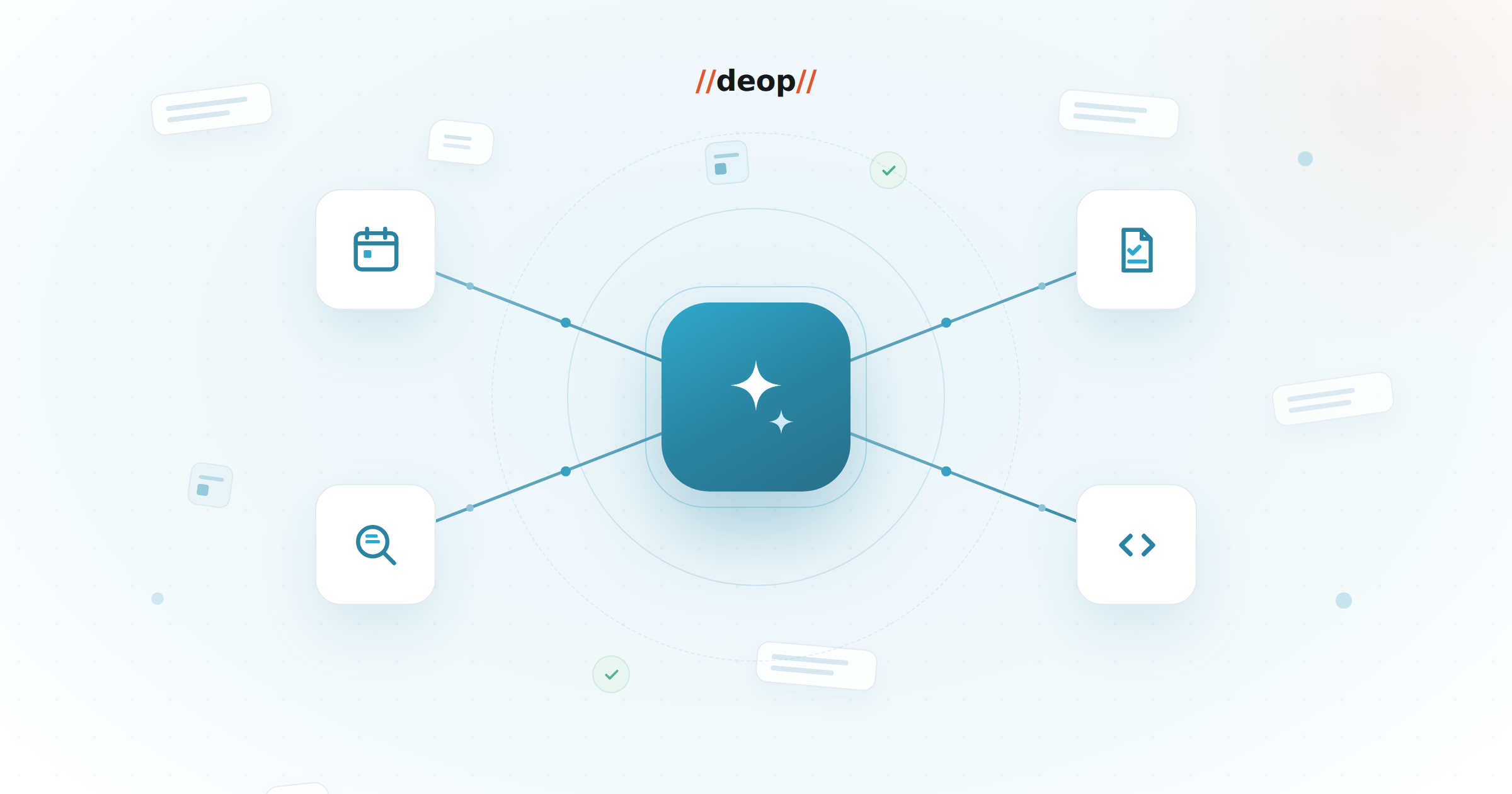
If you're a project manager, you already know the secret that never makes it into the job description: a huge share of the role is administrative friction. Scheduling, note-taking, status reports, chasing details across a dozen threads — all necessary, none of it the work that actually moves a project forward.
I'm a PM at Deop, and my time is best spent unblocking my teams, managing risk, and keeping projects on track — not playing digital matchmaker with calendars or transcribing my own meetings. Over the last while I've leaned hard into Microsoft Copilot to take that friction off my plate. Here are the four places it's made the biggest difference to my week.
1. Scheduling: winning at calendar Tetris
Half of project management can feel like high-stakes Tetris with other people's calendars. Between cross-functional teams, busy clients, and leadership who all need to stay in the loop, finding one mutually free 30-minute window can turn into a chain of five to ten emails. By the time everyone agrees on a time, you've already done a full day's work.
Instead of flipping back and forth across calendar views, I just ask Copilot to look at the team's availability and hand me the best options — something as simple as "find three 30-minute slots next week when the delivery team and the client lead are all free, outside core focus hours." It respects working hours and protects focus time, so I can get the right people into the same room in a fraction of the time. It's a small shift, but reclaiming those hours every week changes how the whole day feels.
2. Status reports and minutes: my first-draft engine
We all know documentation and status reports matter. Almost nobody enjoys writing them. Trying to facilitate a fast-moving technical meeting while scribbling down every decision and action item is nearly impossible — you either miss a nuance because you were typing, or you walk out with a pile of disjointed notes. And compiling a week of updates into a clean, executive-ready report on a Friday afternoon is its own special kind of dread.
So I stopped fighting the administrative grind and let Copilot be my first-draft engine. When we run sessions in Microsoft Teams, I let the platform handle transcription so I can actually stay present in the conversation. Right after the call, Copilot turns the transcript into structured action items and key decisions. Paired with using it to assemble my weekly status report, that's cut hours of drafting time: the updates are cleaner, accountability is clearer, and I can close my laptop on time.
3. Mining the mess: catching the details
The hardest part of project management usually isn't the big-picture stuff — it's the details. It's the subtle scope change buried halfway down a 40-reply email thread. It's the technical dependency someone mentions offhand in a client debrief. Miss one of those and it can throw off an entire sprint, but reading every paragraph of every thread, every single day, is exhausting.
This is where Copilot earns its keep. When I'm wrapping up a heavy review session, instead of digging through a massive transcript I'll ask it to pull the exact technical requirements, risk notes, and assigned owners straight out of the text. Same with those sprawling email chains about a blocking issue — I'll prompt something like "summarize this thread: what did we decide, who owns it, and what's the next step?" and get back a clean rundown of who agreed to what, instead of re-reading forty replies to find it.
4. Catching up on tech: a judgment-free sounding board
No matter how experienced you are as a PM, you'll hit technical blind spots. A developer drops a semi-technical term in standup, or you're staring at a piece of architecture or a log snippet thinking, I really wish I knew what that actually meant. The old dilemma is always the same: interrupt a senior engineer who's deep in code for a ten-minute explanation, or fake it and hope you piece it together later. Neither feels great.
So Copilot has become my private, judgment-free sounding board. I'll paste a dense snippet or an error log into the chat and ask it to "explain this to me like a project manager" — it strips away the overwhelming weeds and gives me the practical, core mechanics I actually need. And before a scoping call, I'll use it to get the basic logic of a workflow or a cloud concept so I can walk in ready. Learning on the fly like this means I show up to technical conversations with confidence — without pulling my developers away from what they do best.
What AI actually gives me back
Here's the part that matters most: none of this has replaced the human side of the job — the empathy, the leadership, the actual problem-solving. If anything, by taking the tedious administrative weight off my shoulders, Copilot frees me up for exactly that: partnering with my team at Deop and delivering great work for our clients. That's the real win. Let the tools handle the friction, so you can spend your attention where it actually counts.
Deop helps teams turn Microsoft Copilot into real, governed productivity — rollout, enablement, and honest measurement of what actually changed. Explore our Copilot enablement work, or read the engineering view: getting real developer productivity from GitHub Copilot.